TECNO | Unleash Your Vision
Karim Mira · Colour portfolio
 GRADE + GRAINJoin the beta
 Colour with intent. Texture with character.
Your creative toolkit, inside DaVinci Resolve.
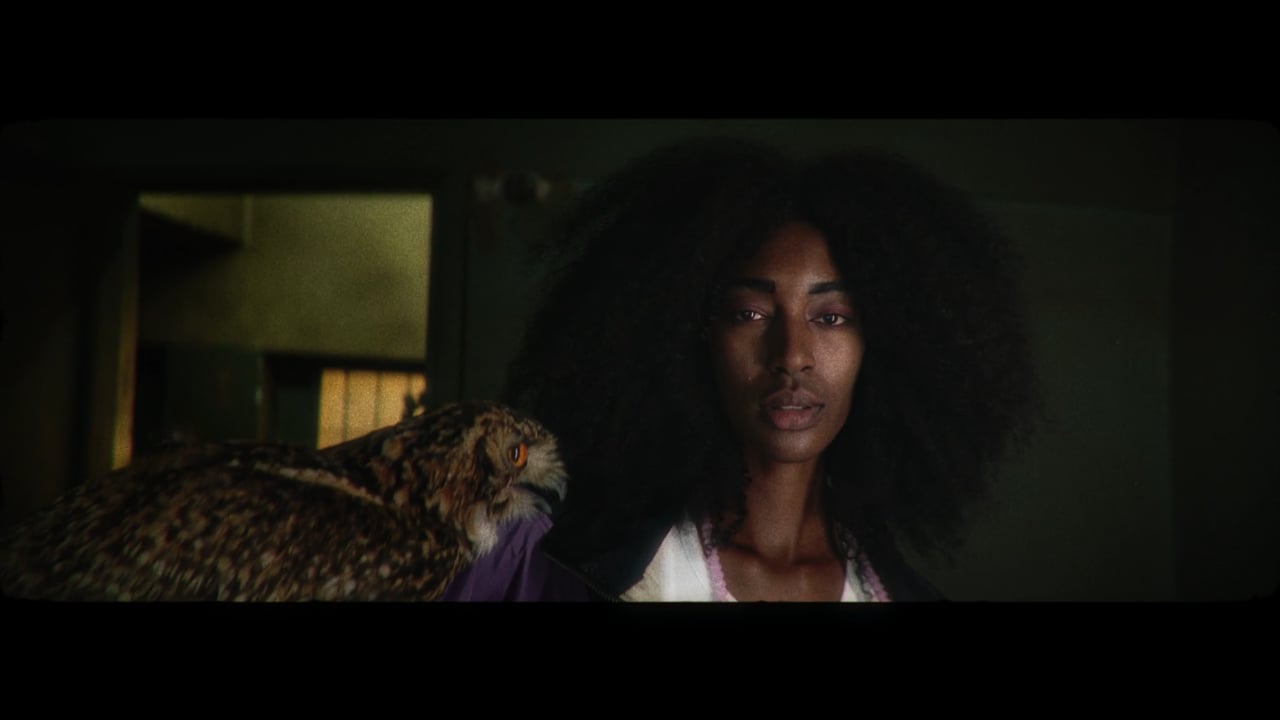
Selected colour work by Karim Mira · Portfolio films
Karim Mira · Colour portfolio
Karim Mira · Colour portfolio
Karim Mira · Colour portfolio

Karim Mira · Colour portfolio

Karim Mira · Colour portfolio

Karim Mira · Colour portfolio
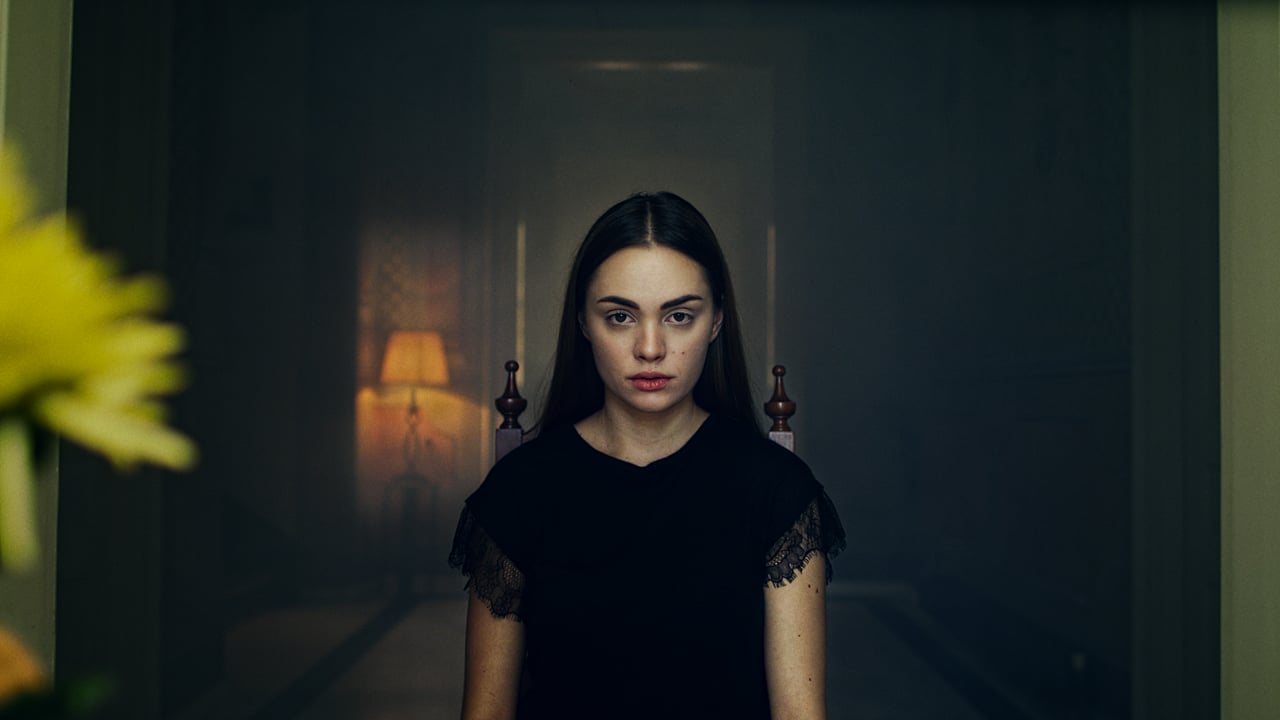
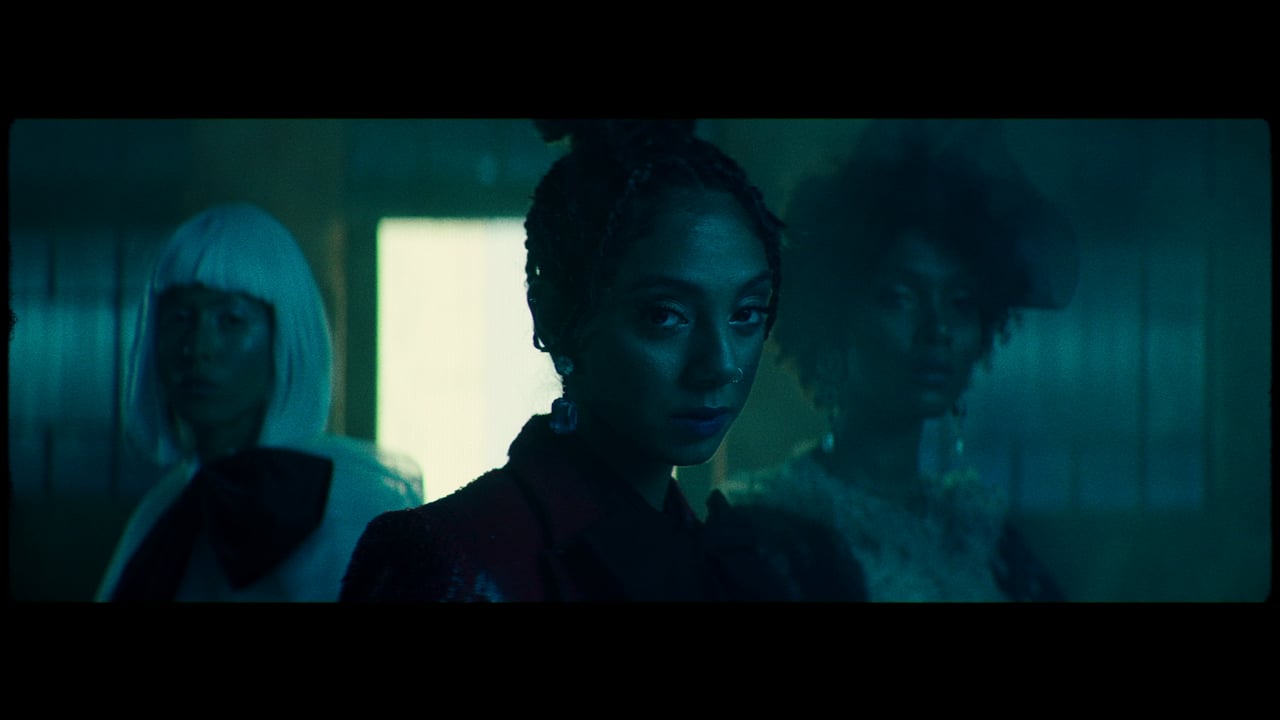
Selected colour work by Karim Mira. Explore finishing treatments on his real film frames below.
 OriginalCreative grade
Mira Stack #1 — 19 creative Rec.709 LUTs: 11 signature looks plus 8 additional treatments. Apply to footage already converted to Rec.709. Includes look preview images and README. The gallery images are creative references; comparison sliders add browser effects, not the downloadable LUT render.
Start with a reference.
Finish with your signature.
Real frames from Karim Mira’s work.
Colour, texture and light.
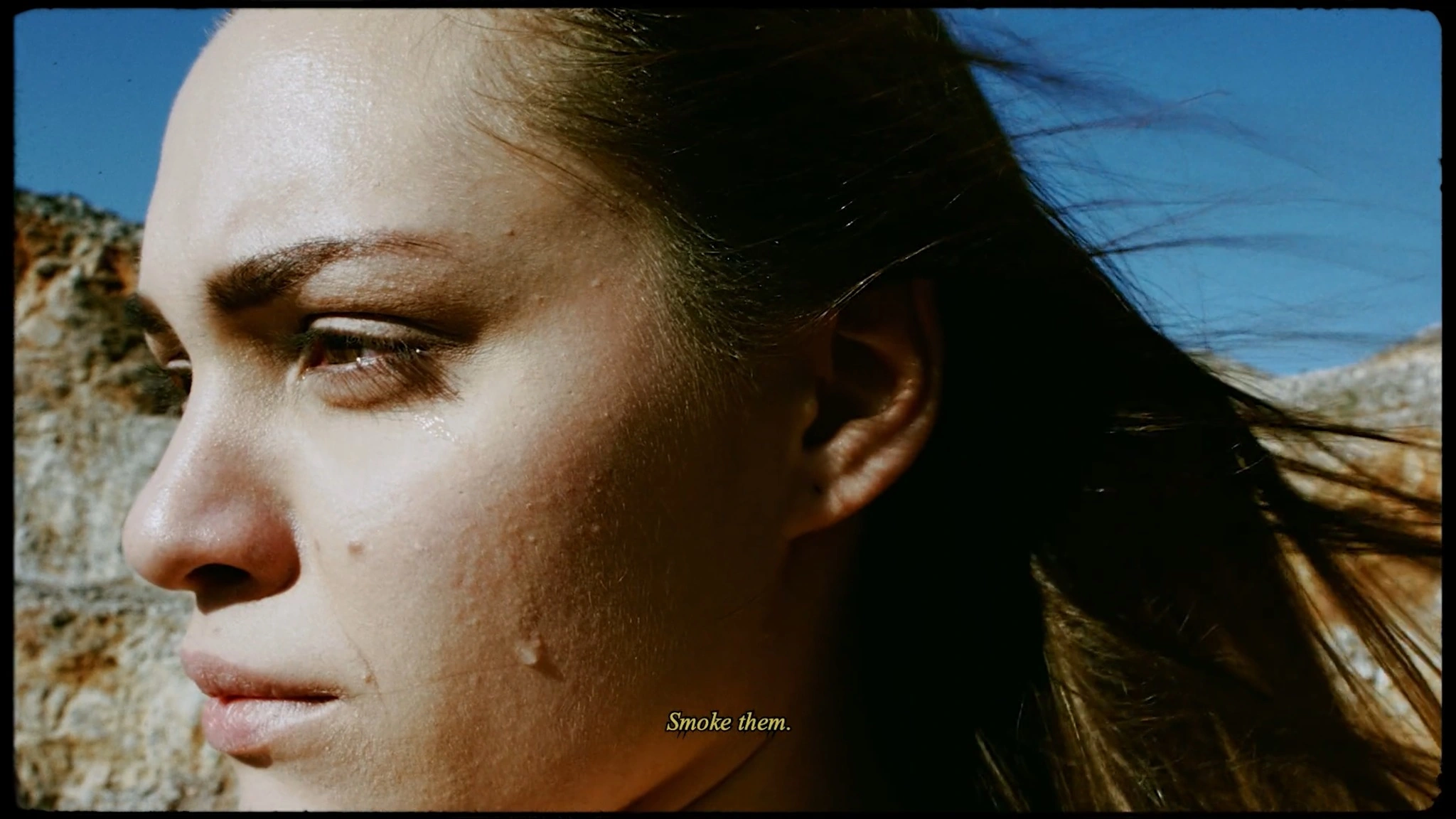
The original and finished views use the same photograph. Only the colour and texture treatment changes.
Explore your film frames with adjustable halation, grain amount and grain size. Drag the comparison to see your original alongside the finish.
OriginalColour finishDrag to compare the supplied frame with the added colour finish.
From Karim Mira’s film work. The comparison applies an additional finishing treatment without changing the subject or composition.
 OriginalColour finish
Drag to compare the supplied frame with the added colour finish.
From Karim Mira’s film work. The comparison applies an additional finishing treatment without changing the subject or composition.
Find your texture.
Make it part of your signature.
One signature. Five palettes. Emulsion-inspired G studies.
Reference matching, grading controls and film texture, right where you work. Chroma Pulp™ puts exposure, highlight rolloff and shadow control in your hands.
Request a trial ↗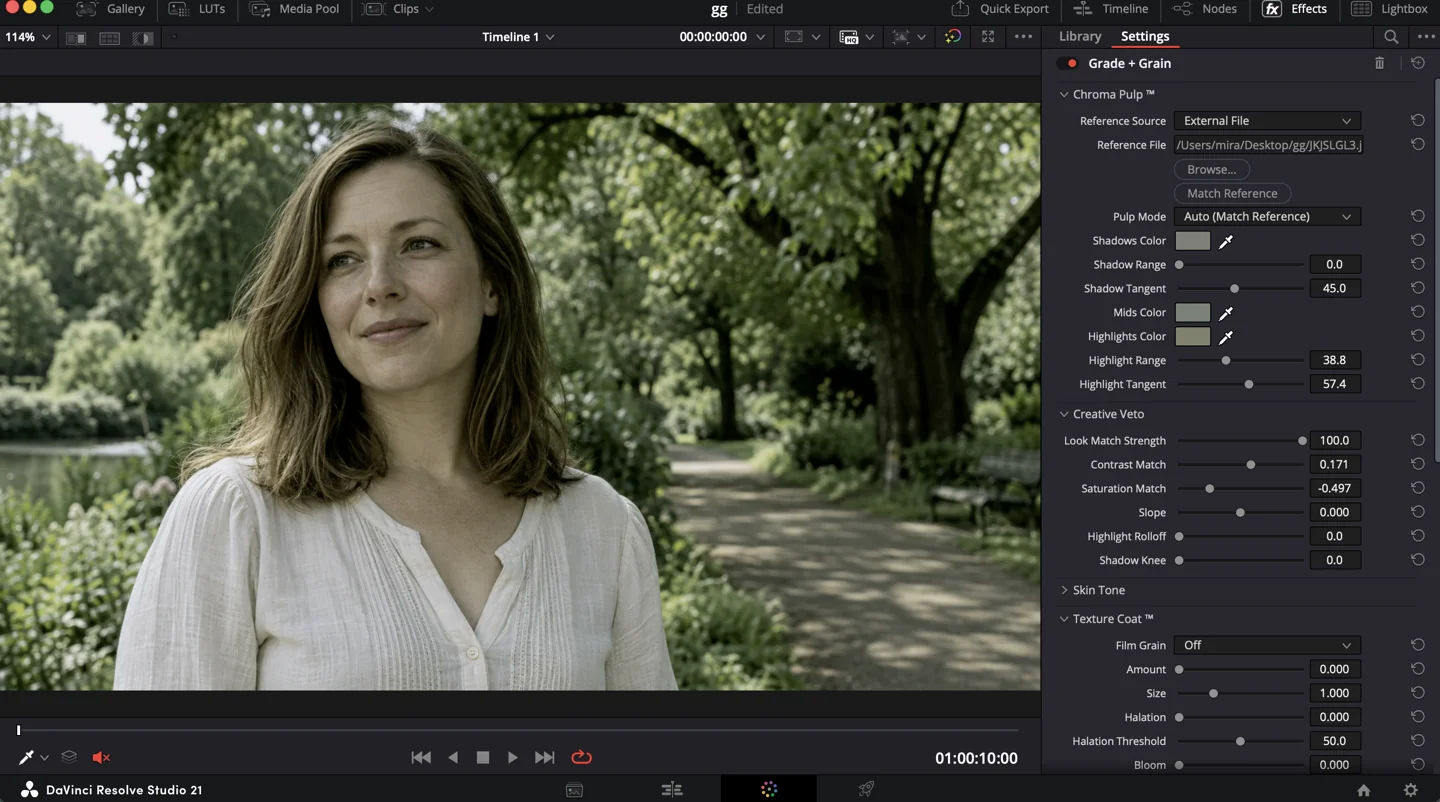
Built from experience.
Made for the craft.
 FOUNDER / COLORISTKARIM MIRA.
22 years in post-production. Over 13 years shaping images as a colorist.
Karim Mira is the founder behind Grade + Grain. His work spans commercials, music videos and film, bringing a practiced eye for colour, texture and the character of an image.
Grade + Grain brings that experience into a creative toolkit for DaVinci Resolve, shaped by the craft of grading and the needs of the colorist behind the controls.

AI Look Match, Chroma Pulp™, Look Signature and Film Grain. All four tools for DaVinci Resolve, in every plan.
Billed monthly. Access while subscribed.
All four OFX tools.
Register interest ↗Billed annually. Access while subscribed.
Save $79 compared with 12 monthly payments.
Register interest ↗Launch offer · Regular price $299 USD.
All four tools + Mira Stack #1 included.
Own the purchased major version.
Perpetual includes maintenance updates for the purchased major version. Future major upgrades may be priced separately. Mira Stack #1 is also available separately for $79 USD.
Request a free trial. Karim will follow up to arrange access.
Choose your plan or request a 14-day free trial. Karim will get back to you with access and purchase details.
Your email is used to follow up on this request. No payment is taken here and submitting does not start a subscription.